
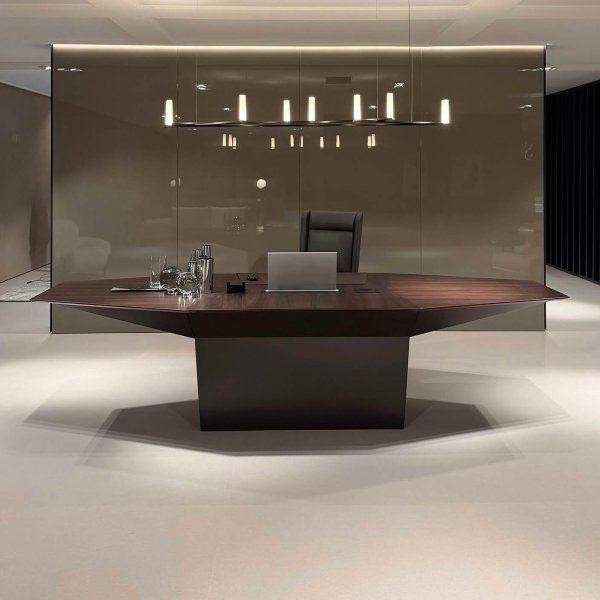
Eidos
$ 87,525
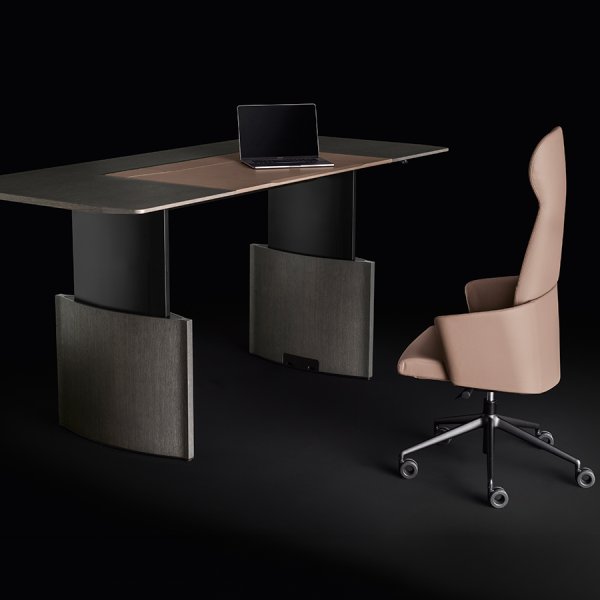
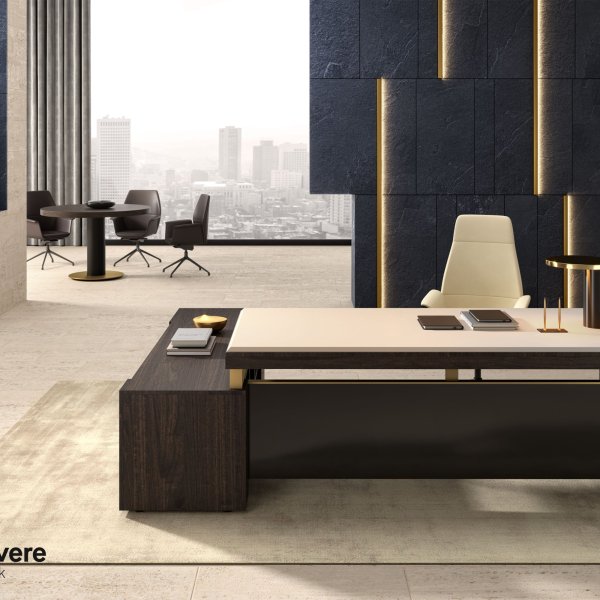
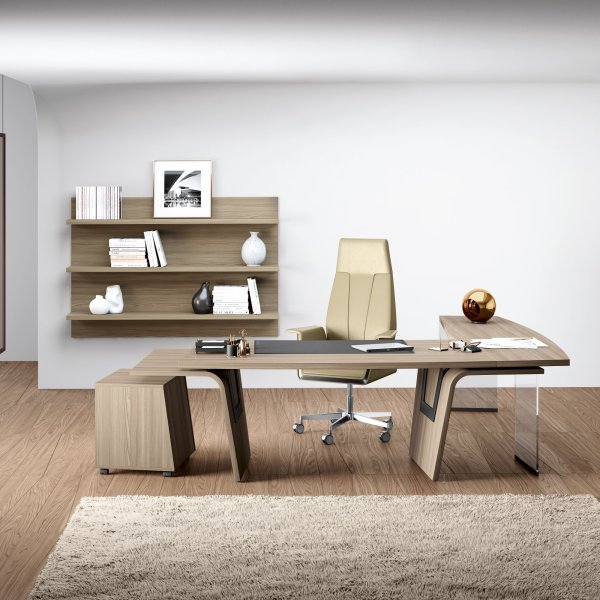
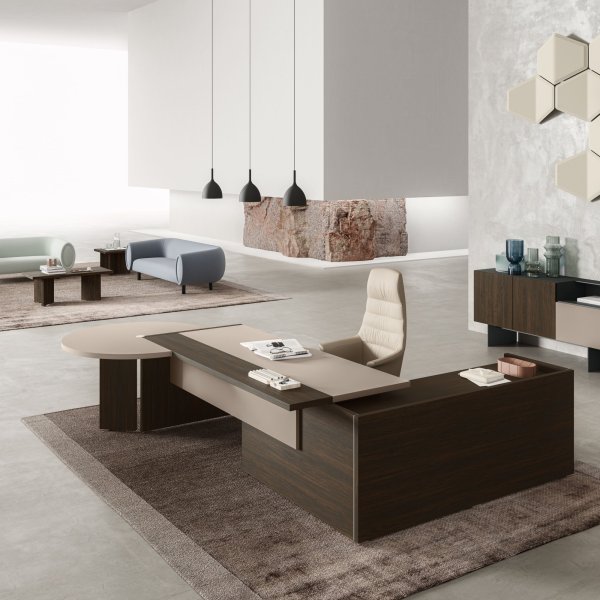
The modern office desk was redesigned by the video call. For decades the executive desk performed for people walking into the room; now it also performs for a camera a few feet away, hours a day, and the geometry changed with the job: lower profiles, open fronts, surfaces meant to hold one laptop and one uncluttered thought instead of a paper archive. The modern executive desks in this collection come from Italian manufacturers who understood early that the desk had become the stage for a working method, not a monument to a title.
You can see the shift in the objects themselves. Slim tops — wood, glass or lacquer — carried on engineered structures, some rising to standing height. Power routed invisibly through the frame and specified for American outlets at the order stage. Finishes chosen to behave on camera as well as in the room — matte lacquers that swallow glare, wood grain that warms the frame without shouting. Storage steps back into the credenza where it belongs, and the office recovers the circulation space the old double-pedestal layouts never allowed.
La Mercanti has supplied Italian executive furniture to American offices since 1997, and modern programs — with their designer and contemporary cousins — now lead most of the projects we support. Configuration guidance, finish samples and delivery with coordinated installation come with the desk — one team from Italy to your floor.
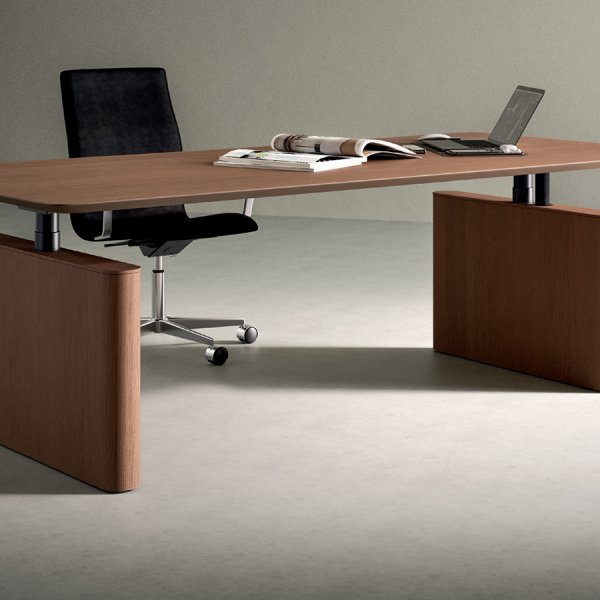
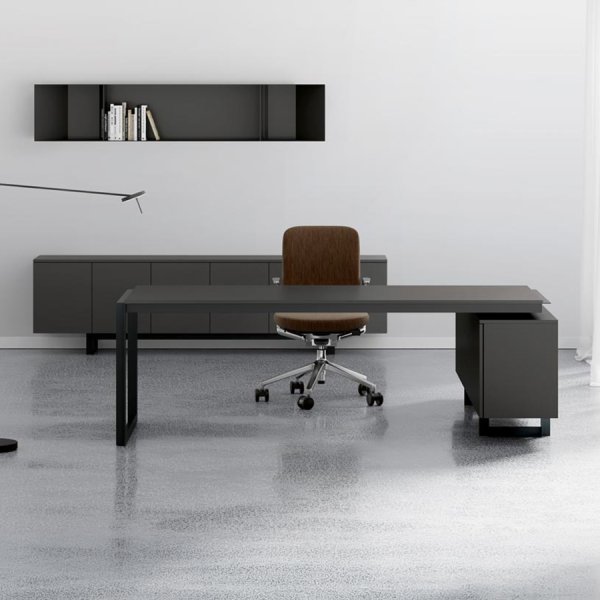
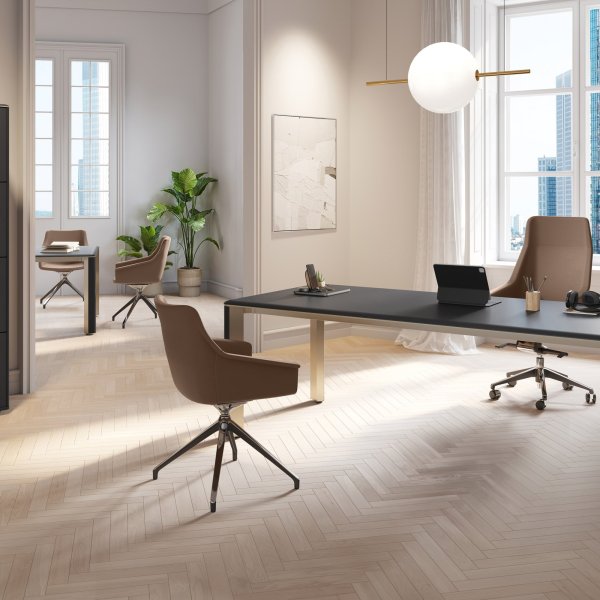
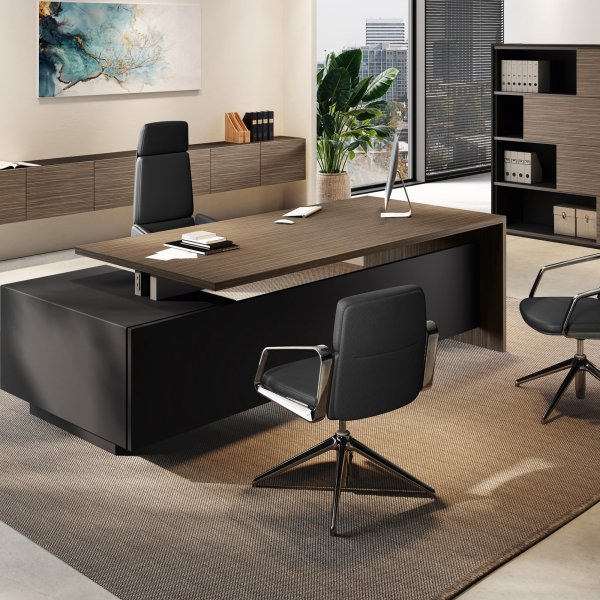
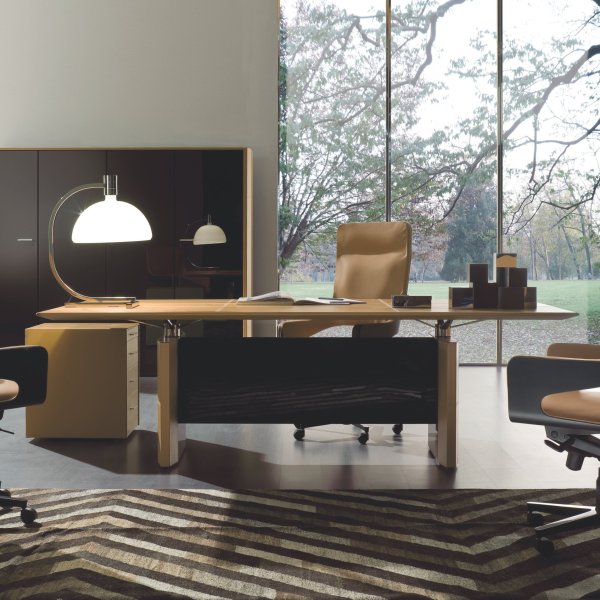
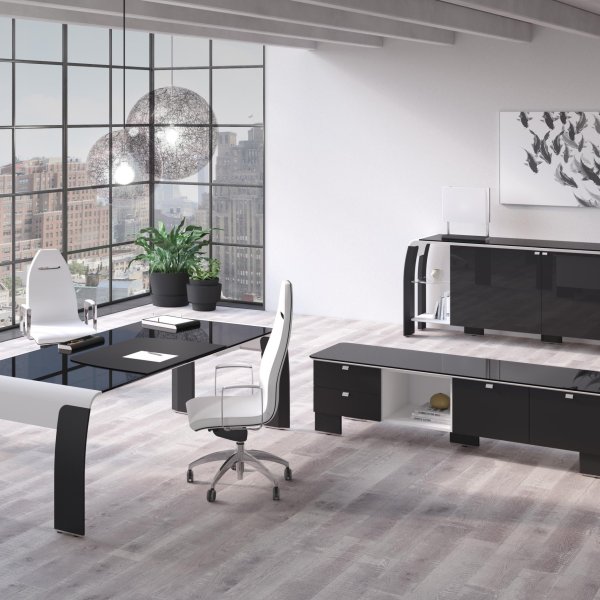
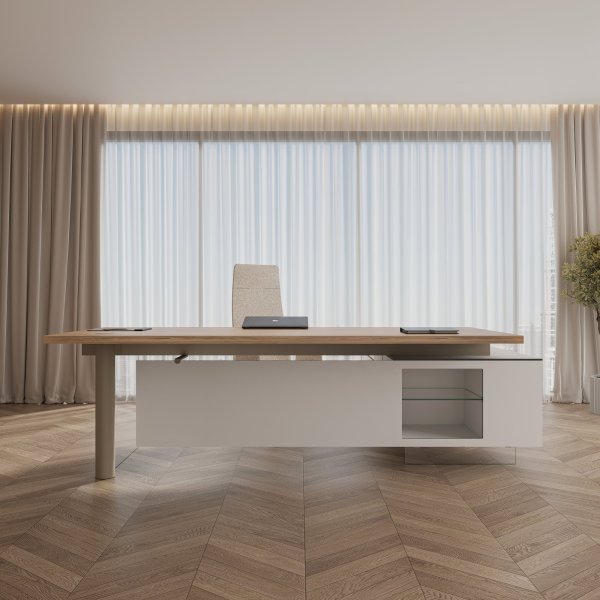
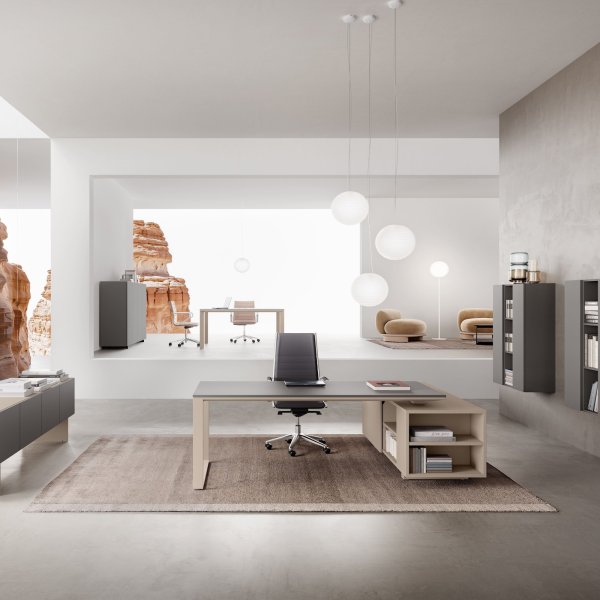
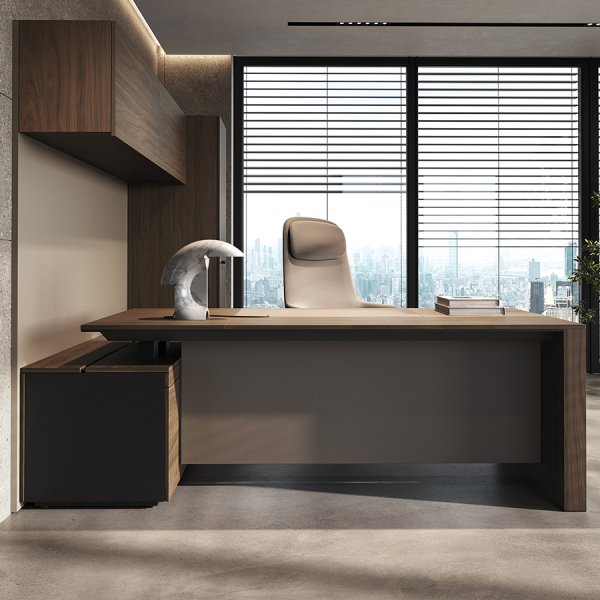
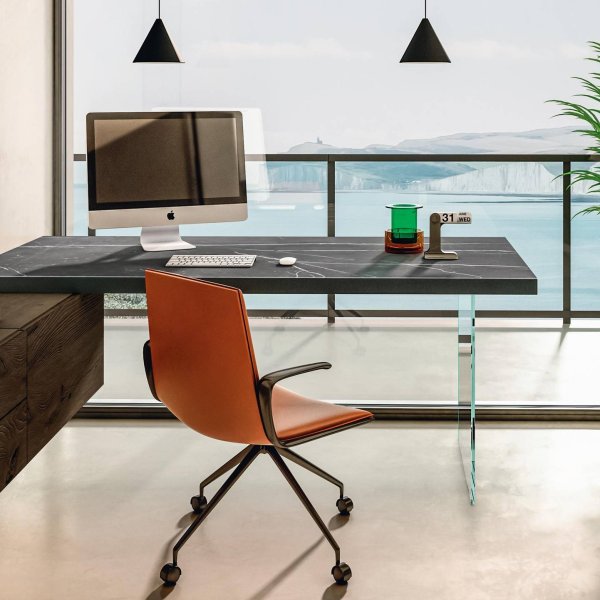
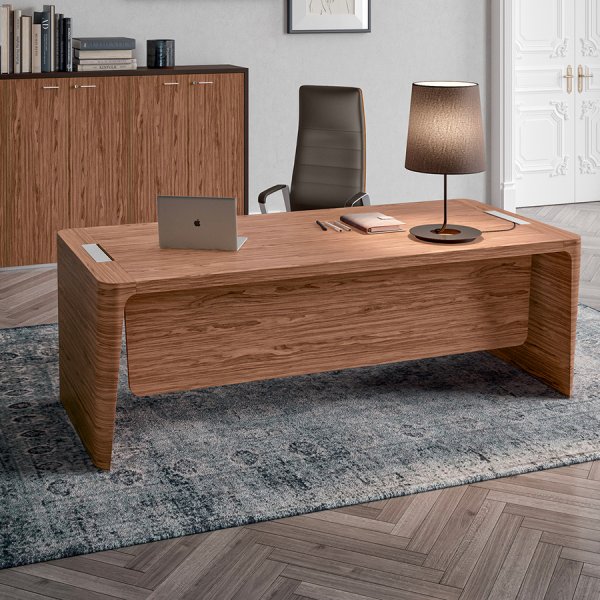
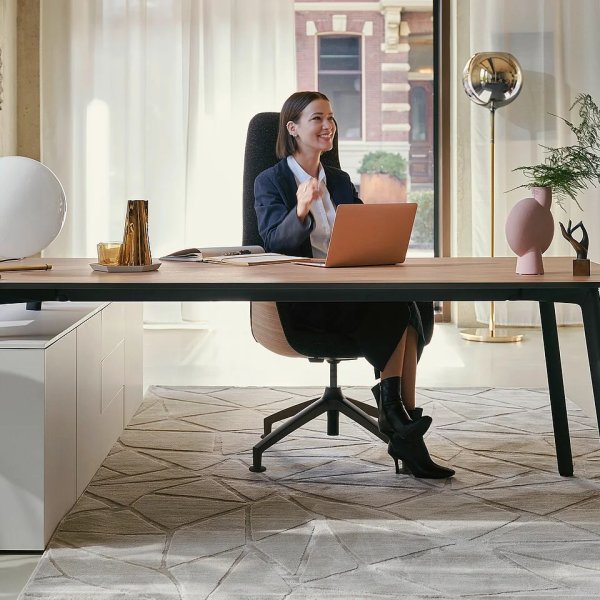
It changes three specifications most buyers never think to check. First, finish behavior: high-gloss tops bounce ceiling light straight into the lens and put a hot streak across the bottom of every frame, while matte surfaces stay quiet, which is why matte lacquer and open-pore wood have become the default at the executive level. Second, depth and geometry: the desk sets the distance between you and the camera, and with it how much of the room becomes your background — a deeper top pushes you into a wider shot that has to be art-directed, a shallower one keeps the frame tight and forgiving. Third, orientation: the desk decides what sits behind you, and a door or a glare-washed window back there undermines every call.
The operative test costs nothing: before buying, set a laptop where the desk will stand, open the camera at the hour you take most calls, and look at the frame. If the room fails on screen, fix placement and finish first. The desk should be chosen for both rooms it lives in — the physical one and the one on camera.
Paper happened, or rather stopped happening. The classic double-pedestal desk was an archive you sat inside: files below, correspondence trays above, mass as the visible proof of consequence. That workload now lives in a laptop, so the storage justification collapsed, and with it went the aesthetic. What replaced mass as the authority signal is precision — a slim top in real walnut or dense lacquer, structure engineered so a long span carries no visible effort, reveals and joints resolved tightly enough to reward a close look. Visitors register that language just as fast as they registered bulk, and it reads as current rather than inherited.
The practical guidance: judge presence by detail resolution, not silhouette weight. A thin top that flexes, or a leg that meets the floor with a stamped bracket, will always lose to an honest heavy desk. A thin top that is dead flat over six feet, on a structure you can inspect without disappointment, outranks the biggest pedestal desk in the building. Modern authority is the confidence to carry less.
Less than is currently on it. The working standard we argue for at the executive level: one or two screens, a laptop, a phone, and a single visible cable at most — ideally none. Everything else has a better address. Docking and power live inside the desk structure, specified during the order so the routing is engineered rather than improvised with adhesive clips. Printers, chargers, spare peripherals and the drawer of legacy cables belong in the credenza, which is precisely what the credenza is for in a modern program. The desk surface is for the work and for the person sitting across from it.
This is a discipline question before it is a product question, and it is worth settling before production, not after delivery. Decide what earns desk real estate, then have the wire path planned to serve exactly that and nothing more. An executive desk with clean lines and a visible power strip underneath has not been specified; it has been decorated. The restraint only reads if it survives a normal Tuesday.
It can coexist now, and the better Italian programs are the proof: lift mechanisms integrated into executive-grade materials, with the column concealed in the structure and the top indistinguishable from a fixed piece at rest. The distinction that matters is not whether a desk adjusts but how it behaves at full height, because that is where design shortcuts surface. Watch for three tells when the desk is standing: cable slack looping into view where the routing was not engineered for travel, raw column sections appearing that the resting position kept hidden, and lateral wobble when you lean on the front edge.
The discipline follows from the tells: meet the desk at standing height with your real equipment loaded, and give the guest side the longer look, since that is the side a visitor studies when you take a call on your feet. If the desk holds its composure up there — stable, cables managed through the whole travel, materials continuous — adjustability costs the executive register nothing. If it doesn’t, no finish sample will save it.
Showrooms sell the resting state; the working day never sees it. This method inverts the shopping logic: define the hardest moments of the executive's real day first, then make every candidate desk survive them — on paper, in configuration, and finally in person — before it earns a place on the shortlist. Six passes, each built around a failure that shows up after the invoice is paid, not before, ending with the only showroom test that predicts anything: the desk at its worst, judged from the guest side.
Skip the diary; pull the punishments out of the calendar instead. Every senior role has three or four recurring moments that stress the furniture harder than the rest of the month combined: the investor call at the hour the sun rakes the office, the contract review that buries the surface in paper, the visitor who walks in mid-video-call, the day that never leaves the chair. Find the ones that actually recur in the last few weeks of the calendar and write each as a single line — what is happening, what is on the desk, who is watching.
Those lines are the desk specification wearing plain clothes. A worst-moment list dominated by cameras argues for finish behavior, frame and background. One dominated by paper and pace argues for surface area, reach and storage discipline. One dominated by interruptions argues for guest-side composure and a layout that protects focus from the doorway. Most executive weeks blend all three, but the worst moments name the lead ingredient, and the lead ingredient should own the compromises. The mistake this pass prevents is the default purchase — the meeting-profile desk bought out of habit, because that is what executive furniture meant in 2005, chosen by a job description instead of a working day. Furniture specified for the average hour works right up until the hour that matters.
The traditional rule put the window at your back: you faced the room, the view framed you, and glare never touched your screen. On camera that geometry is a failure — a window behind you backlights you into a silhouette that no laptop camera recovers, and every afternoon call becomes an eclipse. The modern placement inverts the logic: primary window ahead of you or at roughly forty-five degrees, working as key light on your face, with the wall behind you owned as a designed surface rather than left to chance.
Walk the room with a laptop before committing the desk position. Open the camera at morning, midday and late afternoon, and watch what the light does; American glass towers deliver sun so directional that a placement that flatters at nine fails at four. Then look at the background the position creates — a door swinging open mid-call, a glare-striped whiteboard, a bookcase of binders all say things you did not choose to say. The desk orientation that wins on camera also tends to win in person, because a considered wall behind the occupant reads as intention from the guest chair too. Set this axis first; every other layout decision hangs from it.
A modern desk meets its worst state through cables, and whether it survives is decided before production. On Italian executive desks the clean outcome is engineered into the piece — routing through the leg or spine, power modules in the surface specified for American 120V hardware, exits placed where the equipment actually sits — which means the desk order and the technology plan have to be one document, not two. Decide what earns a permanent place on the surface and hold the standard worth defending at this level: screens on arms or integrated stands, one dock as the single point where everything meets, one power path into the structure, zero visible cable from the guest side.
Retrofitting is the trap that catches most projects. Cable management added to a finished designer desk means adhesive channels and compromise, visible forever at eye level from the guest chairs, and it is the most common way a five-figure piece gets demoted to looking improvised. Ten minutes with the supplier’s configuration options, while the desk is still on the order form, buys years of the surface looking the way it did in the presentation. Skip it and the most expensive object in the office grows a gray cable beard by month two — the worst state arriving right on schedule, with nothing engineered to meet it.
The single biggest sizing error in executive offices is buying desk-front meeting capacity that the occupant never uses. Two guest chairs facing the desk is an inherited layout, not a chosen one, and for many working styles it is the wrong instrument — the desk between parties sets a formal, asymmetric register that suits some conversations and quietly damages others. Decide first: do meetings in this office happen across the desk, or should they move to a small table or a soft seating corner where the geometry is level?
Each answer reshapes the desk purchase. If meetings move to a table, the desk sheds depth and length, becomes a personal instrument rather than a stage, and the office gains a genuine second zone — usually a better trade for the same square footage. If meetings stay at the desk, then the desk must be specified for it: a fully finished guest side, since visitors will study it for an hour at a time, clearance for chairs to sit and slide without wall contact, and a front edge profile that welcomes leaning in rather than defending territory. Neither answer is wrong. Sizing the desk before answering is what’s wrong, and it is how offices end up with a conference table wearing a desk costume.