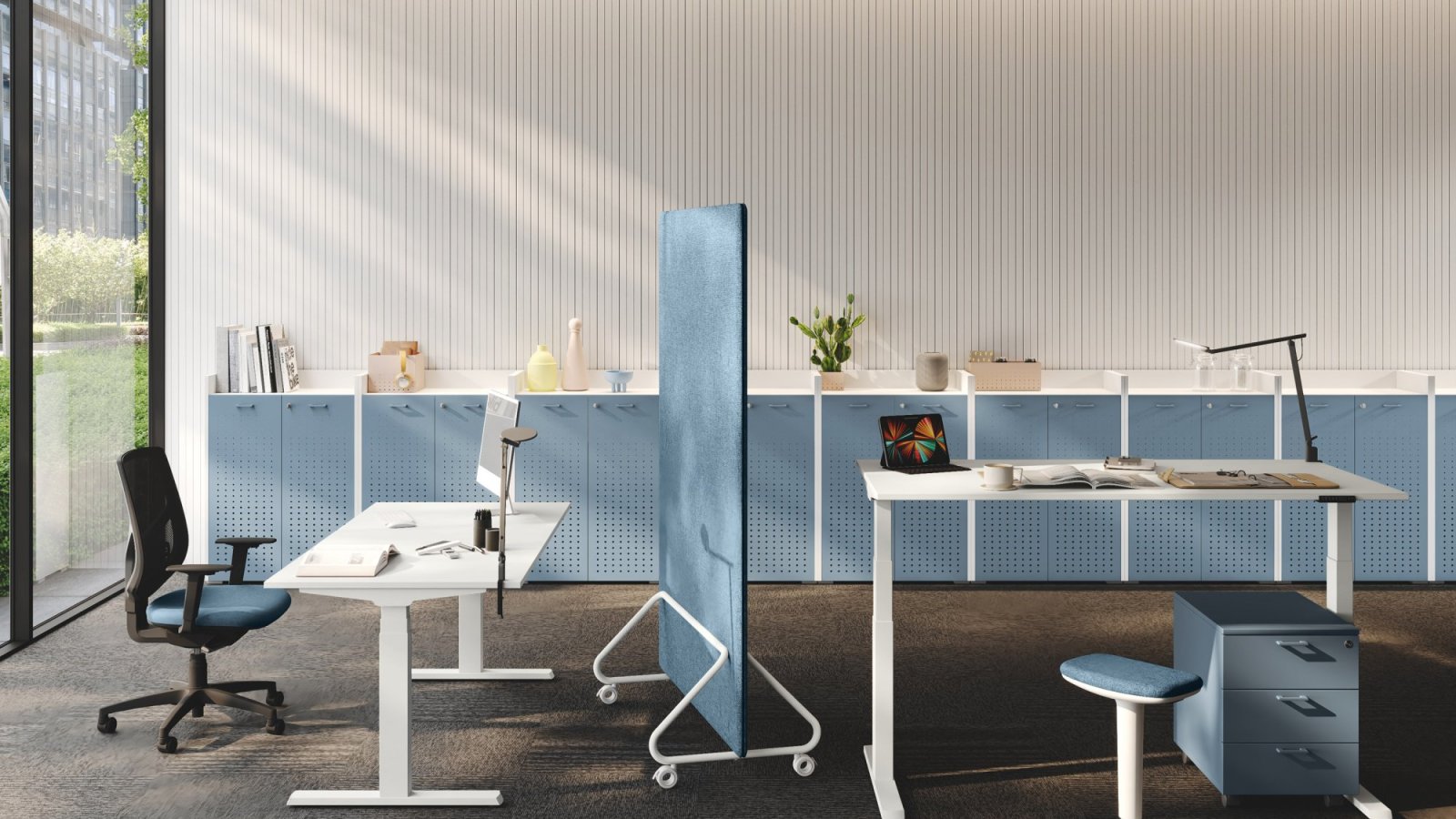
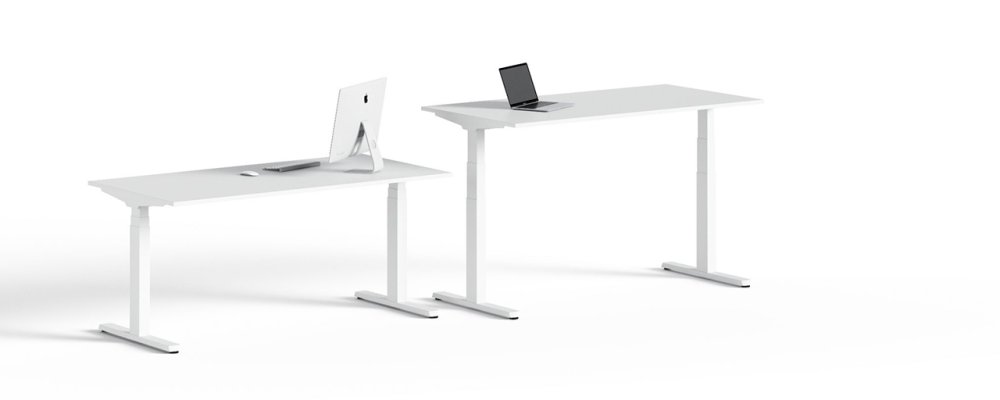
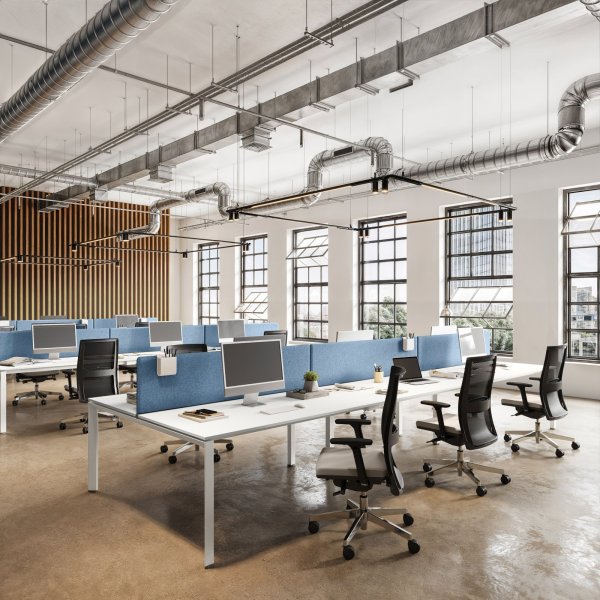
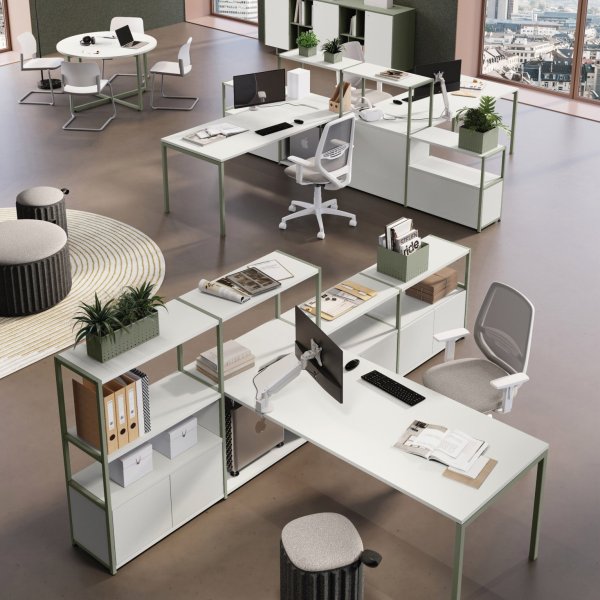
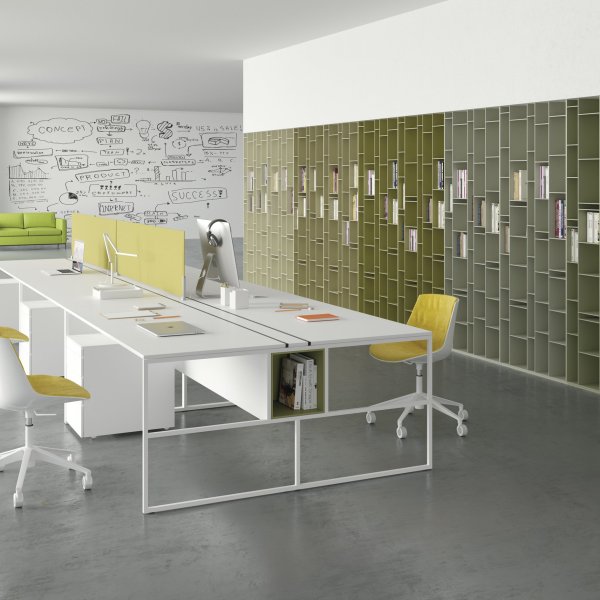
UP sit-stand operative desk by Las Mobili raised to standing height with black T legs

UP by Las Mobili — sit-stand operative desks the whole team actually uses

Las Mobili
Desk with integrated pedestal
UP Available now Desk with integrated pedestal
$ 5,805

Let's discuss your project

Trade terms for professionals and design studios

Standing desks fail in offices for one reason: nobody resets them. UP by Las Mobili is built around that truth — a motorized height-adjustable operative system whose COMFORT panels store personal heights, so switching posture is one touch, not a negotiation. The core versions travel 65 to 130 cm on telescopic T legs in 90 x 60 x 2 mm steel with a 100 x 50 mm telescopic central beam; anti-collision sensors stop the run when a drawer unit gets in the way.

Four engines cover four budgets and bodies: UP Basic (essential up/down), UP Plus (memory + anti-collision), UP Lite (72.5-121.5 cm, the accessible entry) and UP Lite Pro — three-stage 70/65/60 mm columns, the widest stroke at 60.5-125.5 cm, memory, anti-collision and a beam-mounted cable tray included. Tops are 25 mm melamine in eight finishes, every panel Class E1 low formaldehyde as declared by the manufacturer; the metal stays Black or White.

One bench, two postures

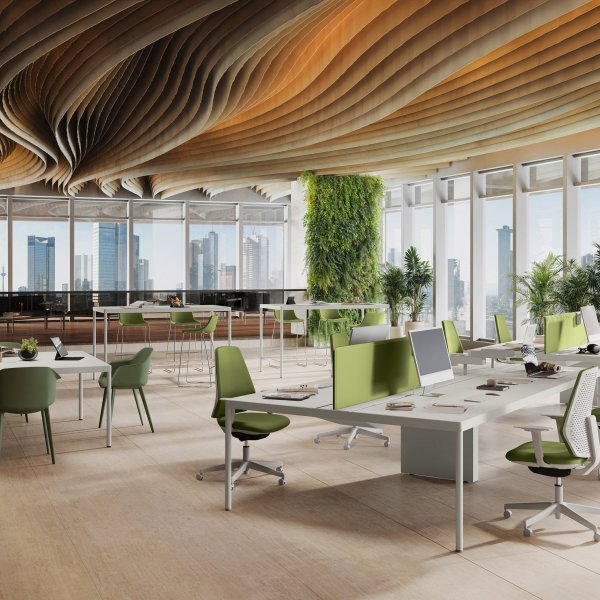
The UP bench mounts two control units and two panels on one motorized bridge structure: each side moves through the full range independently — one colleague on their feet for a call, the other seated across the same desk. Gabriel-fabric front screens (W 160-180 cm, PVC accessory track) keep the standing side from looming; clip-on inspectable cable trays and 300 cm cables keep the wiring honest while the furniture moves. Product certificates can be downloaded on this page.

Let us know which finishes you'd like to explore

$ 180

Credited in full toward your purchase

FAQ

Do height-adjustable desks actually get used, or is it hype?

They get used when resetting them is effortless — which is exactly what the COMFORT memory panel is for: your seated and standing heights stored, recalled with one touch. Without memory, people find their compromise height and never move again; with it, changing posture costs nothing. That is why UP Plus, Lite and Lite Pro carry it as standard equipment, not as an option to argue about.

How do I choose among Basic, Plus, Lite and Lite Pro?

By who sits there. Personal or daily-shared desks deserve Plus, Lite or Lite Pro — memory plus anti-collision. Touch-down and occasional desks can take Basic. The ranges differ too: 65-130 cm on Basic/Plus, 72.5-121.5 on Lite, and 60.5-125.5 on Lite Pro's three-stage columns — the one to pick when your team spans the widest set of statures. Tops and Black/White metal are identical across all four.

What does the anti-collision system protect, exactly?

Everything under and over the desk. The sensor system stops the motorized travel when the top meets resistance — a drawer unit rolled underneath, a window sill, a chair armrest left in the wrong place. On the bench versions with Plus equipment there are two independent systems, one per side. It is the difference between furniture that moves and furniture you have to supervise.

Can two people at the same bench work at different heights?

Yes — the UP bench is engineered as two desks on one motorized bridge: two control units, two panels, two cables. Each side travels the full 65-130 cm alone. Add the Gabriel front screen — 160-180 cm wide, mounted above the bridge legs, with a PVC track for accessories — and the standing side keeps its energy without stealing the seated side's focus.

What happens to the cables on a desk that moves all day?

They are planned like the motion itself: 300 cm power cables absorb the full stroke on every version; 1 mm steel trays fix under the top with clips, so IT unclips, services and clips back without tools; Lite Pro includes its own 700 x 120 mm tray under the central beams. Panels are Class E1 low formaldehyde as declared by the manufacturer. Samples of finishes and fabrics are available — the cost is fully credited at order confirmation.

How to roll out sit-stand desks people still use in year two

For office managers and facilities: five UP decisions that keep the adjustment habit alive after the novelty fades.

Start from your tallest and shortest colleagues

Check real statures against real ranges — 65-130 cm (Basic/Plus), 60.5-125.5 (Lite Pro), 72.5-121.5 (Lite). Shared and hot desks should get the widest range; a range that misses one user becomes that user's daily complaint.

Put memory where habits must form

Plus, Lite and Lite Pro store personal heights: assign them to permanent and daily-shared seats. Basic covers project rooms and touch-down points. One family, so the floor stays visually coherent.

Engineer the cable route for 65 extra centimeters

Use the 300 cm cables, clip-on inspectable trays under every top, the beam tray on Lite Pro — and check that risers and power poles leave slack at full height. The first pinched cord is the end of the standing habit.

Treat the bench as two autonomous desks

Two control units and two panels mean independent sides: brief the team on it, and specify the Gabriel front screen with PVC track so mixed postures across the bench stay comfortable for both.

Approve samples on site, then freeze the spec

Melamine tops and Black/White steel shift under office lighting: approve physical samples in your space — the cost is fully credited when the order is confirmed. Then freeze tops, engine per area, screens and tray positions in writing.

You May Also Like